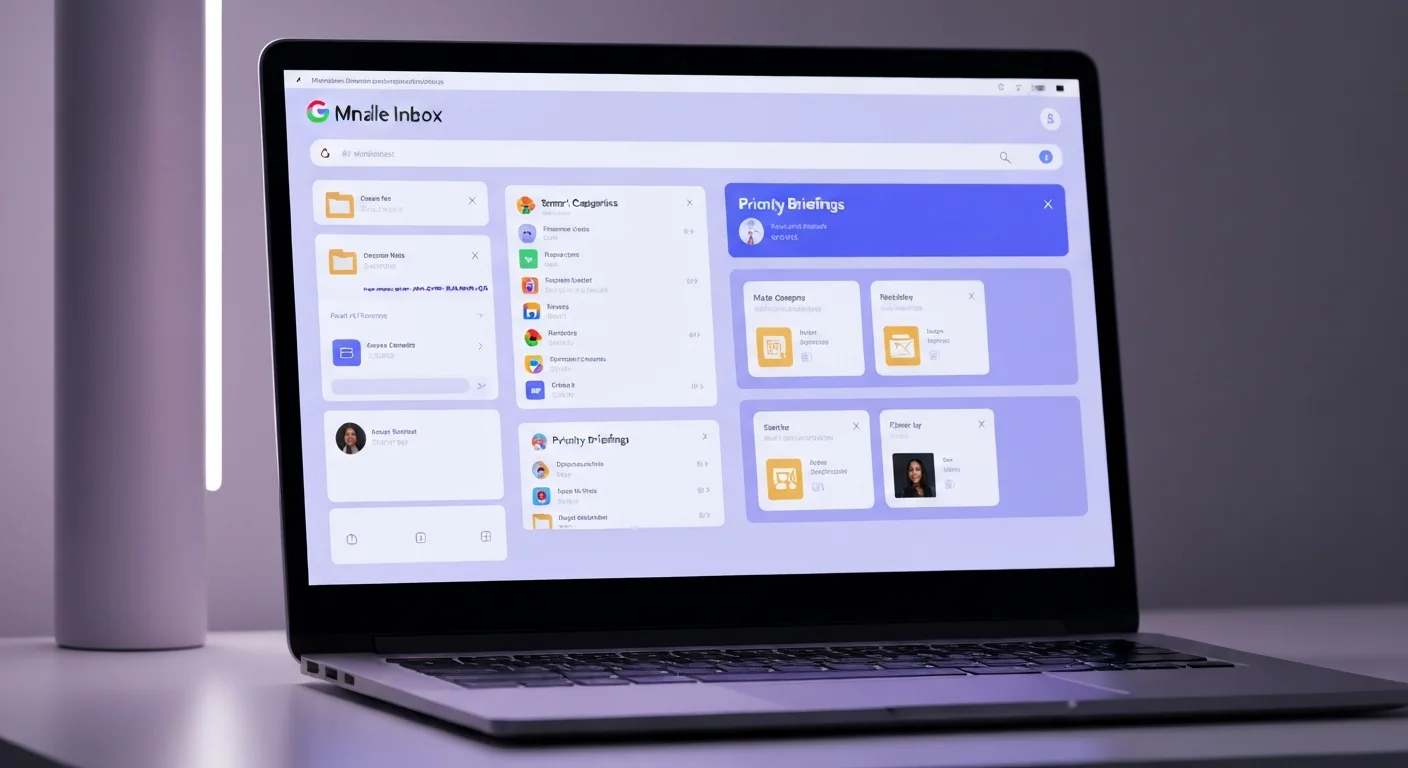
Google's vision of what email should look like has arrived in beta — and if you want it right now, it costs $249.99 a month.
AI Inbox, which Google first previewed to Trusted Testers back in January, is now rolling out in Gmail to subscribers of the company's AI Ultra plan. The feature doesn't just add AI suggestions to the existing inbox. It replaces the interface entirely.
Instead of the familiar reverse-chronological stream of unread messages, you get a Gemini 3-powered briefing: a personalised summary of what actually matters in your inbox, organised around what you need to do and what you just need to know.
What It Actually Does
The interface has two main sections:
Suggested to-dos — emails that require action. Think bills due, calendar invites that need a response, login codes that haven't been used, reminders from services you use. Gmail links to the source email and puts a checkmark on the right so you can mark it done.
Topics to catch up on — lower-urgency emails grouped into clusters. Google uses examples like Events, Travel Planning, and Health & Wellness. The idea is that you don't need to open seven emails about an upcoming trip — you scan the cluster heading, read the bullets underneath, and move on.
There's a greeting at the top that tells you how many emails are in your inbox, with a timestamp showing the last time the briefing was refreshed.
The Privacy Engineering
The AI Inbox announcement comes with careful language about how Google handles the sensitive data that lives in a person's inbox. The company is calling its approach "engineered privacy" — a processing environment dedicated to AI Inbox where your information is, as Google puts it, processed in and doesn't leave.
Google also reiterates a claim it has made consistently with Workspace AI tools: personal Workspace content is not used to train Google's AI models. You can turn off AI features at any time by disabling smart features in Gmail settings.
This is meaningful for enterprise adoption. The AI Inbox rollout will inevitably hit corporate inboxes, and the "your emails train our models" concern is the first thing IT administrators will raise. Having a clear answer — no, and here's the architecture that enforces it — removes one of the main barriers to broader deployment.
The $250 Problem
There's an obvious friction point: the paywall.
AI Ultra at $249.99/month is Google's premium tier — aimed at heavy power users and professionals who want early access to every new Gemini feature. That's a real price for a real subscription that most people don't have.
The pricing signals something: Google isn't trying to win email market share with this feature yet. It's testing at the high end of the market, collecting feedback from users who are both technically sophisticated and deeply invested in productivity tools. The broader rollout — presumably to Google Workspace Business tiers, then One subscribers, then eventually free users — will follow the feedback.
The question is whether the core insight behind AI Inbox — that a daily briefing beats a reverse-chronological list — is compelling enough to drive upgrade behaviour. That's what beta is for.
A Bigger Pattern
AI Inbox fits neatly into Google's 2026 strategy, which is to use Gemini as the connective tissue across everything in its product suite. Gmail already has AI Overviews in search (announced in January), the new Proofread feature for grammar and tone, and Smart Compose suggestions in the editor.
AI Inbox is the most ambitious of these — it's a full interface reimagination, not a feature layered on top of the existing UI. If it works, and if users accept the paradigm, it changes how email is used. That would be a meaningful shift in one of the highest-frequency digital activities most people have.
For now, it's a $250 preview. But the direction is clear.